How to change your membership level
From MakeICT Wiki
Jump to navigationJump to search
Attention! This page or section is out of date. Help us out by modifying this page.
Details: sorry, no details have been provided.
Details: sorry, no details have been provided.
-
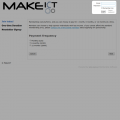 1. Login at http://members.makeict.org
 -
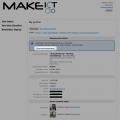 2. Stop your current recurring payments
 -
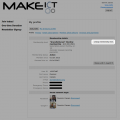 3. Click on "Change membership level"
 -
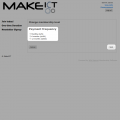 4. Select your new membership options
 -
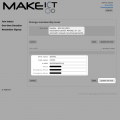 5. Update contact and emergency contact options
 -
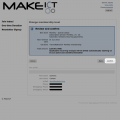 6. Review and confirm, then press 'Next'
 -
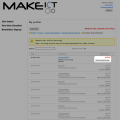 7. Click on "Pay recurring invoice"
 -
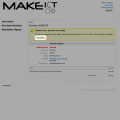 8. Click on "Pay online"
 -
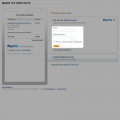 9. Login to PayPal
 -
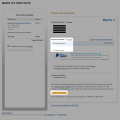 10. Confirm payment method
 -
 11. Click final "Pay" button
 -
 12. Hooray, you're done!


Please contact someone on the board if you have any issues.
